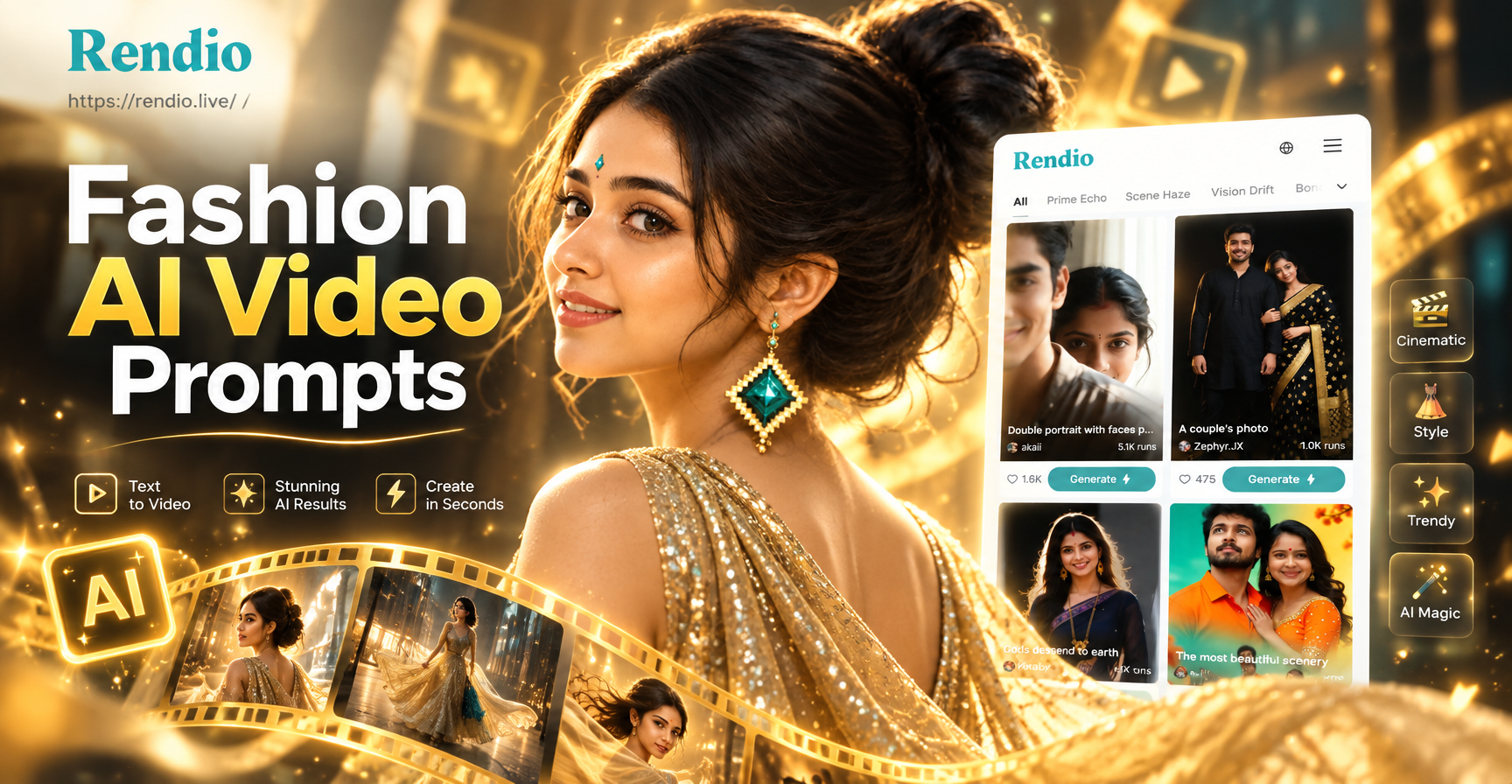
Fashion AI video prompts are the text instructions you give to an AI video generator to create moving fashion content. Instead of filming a real model, you describe the scene, the outfit, the movement, the camera angle, and the lighting. The AI then produces a short video that matches your description. This guide shares tested prompts for runway walks, fabric close-ups, editorial looks, and street style. Each prompt is ready to use, and you can easily adapt them for your own brand or creative project.
Why Fashion AI Video Prompts Matter
Fashion is visual and constantly in motion. A static image can show a garment, but a video brings it to life. AI video generation has reached a point where you can create professional looking fashion clips without a studio, models, or expensive equipment. The key is writing prompts that clearly communicate the movement, fabric behavior, and mood you want. Vague prompts produce generic results that often look stiff or poorly lit. Specific prompts give the AI the details it needs to deliver realistic fabric flow, natural model movement, and cinematic framing.
Anatomy of a Strong Fashion AI Video Prompt
A great fashion AI video prompt typically includes these elements:
- Subject: Who is in the frame? A model, a close-up of a garment, a pair of shoes, or a group of people.
- Outfit: Describe the clothing in detail. Fabric type, color, silhouette, and any accessories.
- Movement: What is the model doing? Walking, turning, twirling, adjusting the jacket, or simply standing with the fabric blowing in the wind.
- Setting: Where does the video take place? A studio background, a city street, a desert, a rooftop, or an elegant interior.
- Camera angle and movement: Close-up, full body, tracking shot, slow pan, or a static frame.
- Lighting and style: Soft studio lighting, golden hour, dramatic shadows, or a specific aesthetic like minimal, editorial, or vintage.
You do not need to include every element in every prompt, but the more specific you are, the better the result.
20 Ready-to-Use Fashion AI Video Prompts
Runway and Catwalk Prompts
- A young model walks down a high fashion runway wearing a flowing red silk gown. The dress ripples with each step. Camera follows from the front at eye level. Soft studio lighting, cinematic style.
- Close-up of a model walking on a catwalk in a tailored black suit. The fabric shifts naturally as the model moves. Camera tracks alongside at hip height. Dramatic spotlighting, high contrast.
- A group of models walking in sync on a futuristic runway. They wear metallic silver jackets and structured skirts. Camera glides backward in front of them. Cool blue lighting, minimal background.
- Back view of a model walking away from the camera on a long runway. She wears a backless white evening gown. The train drags elegantly behind her. Soft warm lighting.
- Slow motion video of a model turning at the end of a runway. She wears a dramatic oversized coat with exaggerated shoulders. The coat flares as she turns. Camera at a low angle.
Fabric and Detail Prompts
- Macro shot of silk fabric flowing in slow motion. The light catches the folds and creates gentle highlights. Neutral background, soft lighting.
- Close-up of a hand adjusting the cuff of a crisp white shirt. The fabric folds naturally. Camera focuses on the wrist and cuff. Clean studio lighting.
- Extreme close-up of embroidered floral patterns on a denim jacket. The camera slowly pans across the stitching. Warm natural light.
- Video of a pleated skirt twirling. The pleats open and close with the movement. Camera at waist level, following the motion. Bright daylight.
- Close-up of leather boots stepping onto a wet city street. Water splashes slightly, and the leather reflects the surrounding lights. Cinematic night lighting.
Editorial and Lookbook Prompts
- A model stands against a plain gray studio background wearing a minimalist beige trench coat. She slowly turns to show the back. Camera on a tripod, full body shot. Soft even lighting.
- Editorial style video of a model in a vibrant yellow dress against a blue wall. She walks forward and pauses, looking off camera. Camera pushes in slowly. Bright, saturated colors.
- A model sits on a wooden stool in an empty white room. She wears an oversized knit sweater and loose trousers. She runs her fingers through her hair. Soft diffused lighting.
- Fashion lookbook clip showing a model changing poses every two seconds. She wears a different outfit in each cut. Quick transitions, clean background, consistent lighting.
- A model leans against a concrete wall in an urban setting. She wears a leather jacket and ripped jeans. She adjusts her sunglasses and looks into the camera. Natural afternoon light.
Street Style Prompts
- A young woman walks down a busy city sidewalk wearing a colorful patterned midi skirt and a white crop top. She carries a small handbag. Camera follows from behind at a slight angle. Natural daylight.
- Street style video of a man in a bomber jacket and hoodie crossing a crosswalk. He looks at his phone and then up at the camera. Camera tracks alongside. Overcast lighting.
- Two friends laugh and walk together through a market. One wears a vintage floral dress, the other in cargo pants and a graphic tee. Camera follows them from the front. Warm, casual vibe.
- Close-up of a model wearing layered necklaces and a silk scarf. She walks past a colorful mural. Camera focuses on the accessories. Bright daylight with slight shadows.
- A model rides a bicycle in a flowy summer dress. The dress billows behind her. Camera follows at a medium distance. Golden hour lighting.
Accessory and Product Showcase Prompts
- A rotating 360 degree video of a luxury handbag on a white pedestal. The bag slowly turns to show all sides. Studio lighting, seamless white background.
- Close-up of a pair of high heel shoes being placed on a marble floor. The camera tilts up to reveal legs and a skirt. Elegant, slow camera movement.
- A watch being strapped onto a wrist. The fingers move smoothly. Macro shot with shallow depth of field. Soft warm lighting.
- A pair of sunglasses floating in mid-air against a gradient background. The glasses rotate slowly, catching the light. Minimal and futuristic.
- Video of a model applying lipstick in a mirror. The camera focuses on the lips and the lipstick tube. Soft beauty lighting.
How to Adapt Prompts for Different AI Video Tools
Most AI video tools accept text-to-video prompts, but some also allow image-to-video, where you start with a still photo and animate it. If you are using text-to-video, paste the prompt directly and let the tool generate the clip. If you are using image-to-video, upload a fashion photo and add a movement prompt like 'the model turns her head and smiles' or 'the fabric blows gently in the wind'. You can also combine a reference image with a detailed prompt to get more consistent results.
Common Mistakes and Fixes
Mistake 1: Too vague. A prompt like 'a model in a dress' produces random results. Fix: Describe the dress, the model's action, and the setting in specific terms.
Mistake 2: Ignoring camera movement. Without camera directions, the video may feel static. Fix: Add instructions like 'camera pans slowly' or 'close-up tracking shot'.
Mistake 3: Poor lighting description. Lighting sets the mood. Fix: Use terms like 'soft studio lighting', 'golden hour', or 'dramatic spotlight'.
Mistake 4: Overloading the prompt. Too many conflicting details confuse the AI. Fix: Keep each prompt focused on one scene or one movement.
Tips for Better Fashion Video Generation
- Use style references like 'cinematic', 'editorial', or 'minimal' to guide the overall look.
- Mention fabric properties: silk should flow, denim should be stiff, leather should reflect light.
- For realistic model movement, use verbs like 'walks', 'turns', 'twirls', 'adjusts', or 'leans'.
- Test variations of the same prompt with different lighting or camera angles to find the best result.
- When using image-to-video, choose a clean, high resolution source photo for better animation quality.
Final Thoughts
Fashion AI video prompts open up creative possibilities that were once limited to big budgets and professional studios. Whether you are a designer showcasing a collection, a content creator building a following, or a marketer promoting products, these prompts give you a starting point. Experiment with them, mix elements from different categories, and make them your own. If you want an easy mobile tool to generate fashion videos, try the rendio app on Google Play. It offers a huge library of style filters and simple controls, so you can turn these prompts into real videos in seconds.