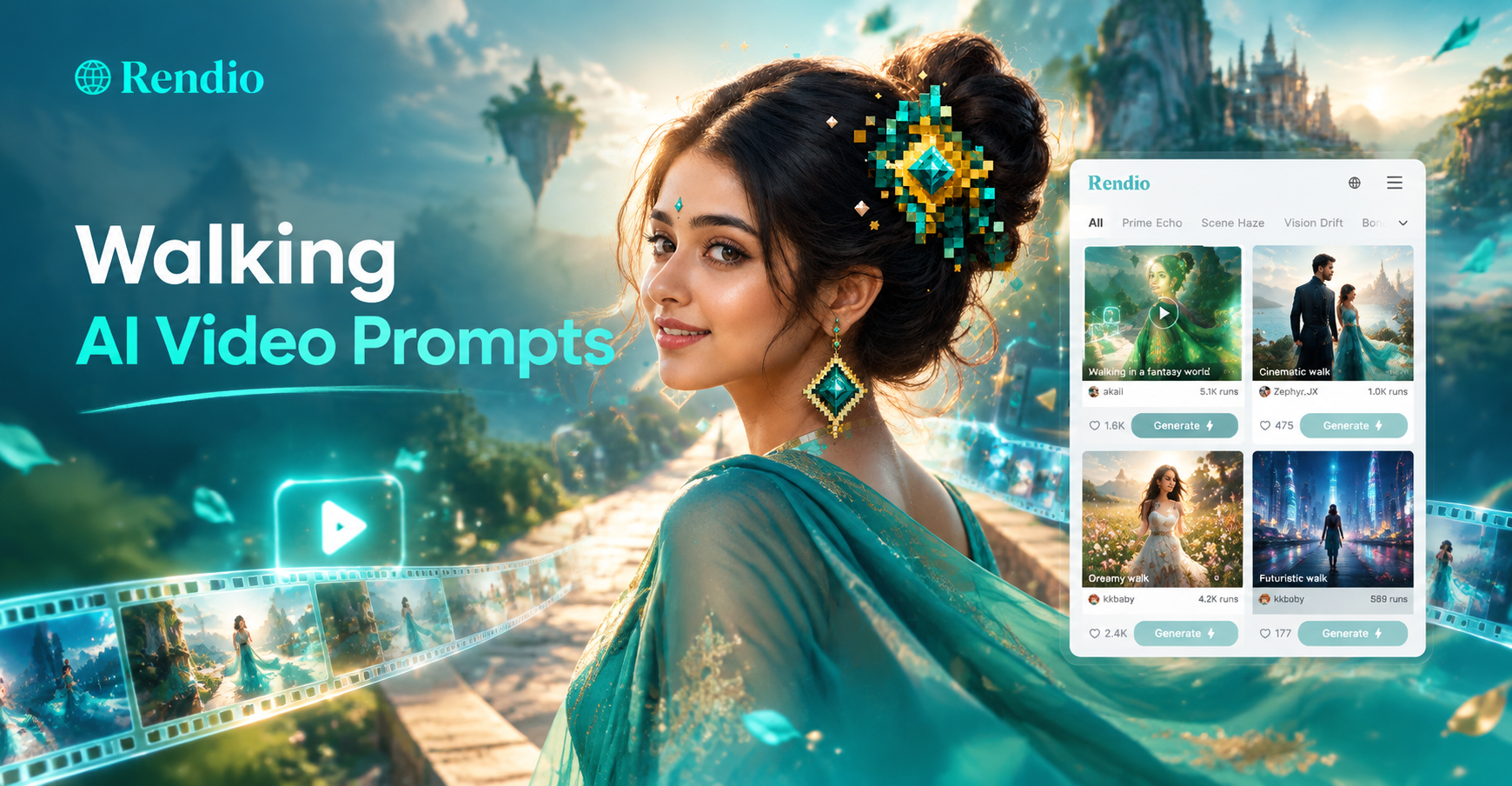
Walking AI video prompts are text instructions that generate short clips of people, animals, or characters moving through a scene. These prompts work in AI video tools like rendio, where you can type a description, choose a style filter, and generate a walking clip in seconds. This guide includes 50 specific prompts organized by style, plus practical tips for adapting them and fixing common issues. Whether you need a cinematic walk, a fantasy character, an animal, or a seamless loop, you will find a usable prompt here.
What Are Walking AI Video Prompts?
A walking AI video prompt is a short text description that tells an AI model what kind of walking motion to animate and in what setting. The best prompts include the subject, the walking pace, the environment, the camera angle, the lighting, and the visual style. Instead of writing a vague request like a person walking, you can describe a young woman in a long beige coat walking slowly through a foggy European alley at dawn. The extra detail helps the AI produce a more realistic and intentional clip.
Walking prompts are especially popular because walking motion is hard to generate convincingly. AI models often blur legs, slide feet across the ground, or morph the body. A precise prompt reduces these problems. You can use walking AI video prompts for short form content, film previsualization, animated characters, or background loops.
How to Write Effective Walking AI Video Prompts
Before you copy the prompts below, keep these five elements in mind.
- Subject and clothing: Describe the person, animal, or character and what they wear. A red coat is more specific than a coat.
- Pace and mood: Use words like slowly, confidently, tired, playful, or purposefully to guide the motion.
- Environment: Add a specific background such as a rain soaked street, a snowy forest, or a neon corridor.
- Camera and lighting: Include camera details like close up, wide shot, tracking shot, or low angle, plus lighting like golden hour, moonlight, or backlight.
- Style: End with a style tag such as cinematic, anime, watercolor, 3D claymation, or pixel art.
Each prompt below already contains these elements. You can change any part to match your project.
50 Walking AI Video Prompts to Try
Cinematic Walking Prompts
- A young woman in a long beige coat walks slowly through a foggy European alley at dawn, cinematic lighting, shallow depth of field, 35mm film look.
- A rugged man in a leather jacket walks across an empty desert highway at golden hour, dust rising from his boots, wide shot, cinematic color grading.
- A child in a yellow raincoat walks along a wet cobblestone street, reflections in puddles, overcast sky, cinematic mood.
- A businesswoman in a sharp suit walks through a busy Tokyo crosswalk at night, neon signs reflecting on wet asphalt, slow motion, cinematic.
- An elderly man with a cane walks along a snow covered park path, breath visible in cold air, soft winter light, cinematic.
- A ballerina in a flowing dress walks through an abandoned theater, dust motes in the air, dramatic spotlight, cinematic.
- A firefighter in full gear walks out of a smoky building, backlit by orange flames, heroic wide shot, cinematic.
- A scientist in a white coat walks down a futuristic corridor with glass walls, cool blue lighting, cinematic sci fi style.
- A bride in a lace dress walks through a sunlit forest clearing, light rays through trees, romantic cinematic look.
- A soldier in camouflage walks through tall grass at sunrise, mist hanging over the field, cinematic war film aesthetic.
Character and Fantasy Walking Prompts
- A silver haired elf in a green cloak walks through an enchanted forest, glowing fungi and floating particles, fantasy cinematic.
- A knight in full plate armor walks across a stone bridge over a medieval castle moat, morning light, fantasy style.
- A witch in a dark velvet dress walks through a moonlit graveyard, ravens flying overhead, gothic fantasy.
- A space marine in power armor walks through a derelict spaceship corridor, sparks and emergency lights, sci fi.
- A steampunk inventor with brass goggles walks through a Victorian street filled with steam pipes, fantasy style.
- A vampire in a red lined cape walks through a candlelit ballroom, shadows moving, cinematic horror fantasy.
- A samurai in traditional armor walks through a bamboo forest in the rain, cinematic anime style.
- A fairy with translucent wings walks across a lily pad on a pond, glowing light, magical fantasy.
- A pirate captain with a tricorn hat walks along a wooden dock at sunset, ship in background, fantasy adventure.
- A dragonborn warrior walks through a volcanic landscape, lava cracks glowing, fantasy cinematic.
Animal Walking Prompts
- A majestic lion walks slowly across the African savanna at dusk, golden grass swaying, cinematic wildlife shot.
- A red fox walks through a snowy forest, paws leaving tracks, soft winter light, close up tracking shot.
- An elephant walks along a riverbank in the morning mist, birds flying around, wide cinematic shot.
- A penguin waddles across Antarctic ice, snow falling, adorable and realistic.
- A house cat walks along a wooden fence at sunset, tail swaying, warm backlight, cinematic.
Stylized and Artistic Walking Prompts
- A minimalist 3D claymation character with a round body walks through a pastel colored city, stop motion style.
- A paper cutout style figure walks across a layered paper landscape, shadows and depth, artistic animation.
- A watercolor painting of a woman walking through a rainy street comes to life, brush strokes visible, artistic style.
- An anime girl in a school uniform walks down a cherry blossom lined path, petals falling, anime style.
- A pixel art character with a backpack walks through a retro 16 bit town, pixel animation.
- A low poly 3D character walks through a geometric forest, flat colors, modern 3D art.
- A hand drawn sketch of a man walking cycles through frames, pencil line art animation.
- A neon cyberpunk woman walks through a rain soaked street, holographic signs, synthwave style.
- A vintage film noir detective walks through a smoky alley, black and white, high contrast.
- A Ghibli style girl walks through a field of tall grass and flowers, wind blowing, soft animation.
Close Up and Detail Walking Prompts
- Extreme close up of leather boots walking on wet pavement, water splashing, slow motion, cinematic detail.
- Close up of bare feet walking on a sandy beach at sunset, footprints in sand, warm light.
- Close up of a child's rain boots splashing in puddles, playful, colorful umbrella reflected.
- Tilt down shot from face to feet of a dancer walking en pointe across a studio floor.
- Close up of worn hiking boots stepping over rocks on a mountain trail, dust particles in air.
Loopable and Background Walking Prompts
- A seamless loop of a woman walking across a modern glass office lobby, neutral background, loop ready.
- A seamless loop of a man walking on a treadmill in a bright gym, perfect side view for background.
- A loopable background of a crowd walking across a city crosswalk, blurred background, street style.
- A seamless loop of a character walking through a magic portal, reusable video asset.
- A loopable animation of a robot walking in place on a conveyor belt, top down clean background.
Emotional and Narrative Walking Prompts
- A woman walks alone through a rainy city at night, looking up at the sky, emotional cinematic.
- A boy walks toward a glowing light at the end of a dark tunnel, hopeful narrative.
- A couple walks hand in hand on a beach at sunset, romantic and peaceful.
- A man walks away from a burning building, silhouette against fire, dramatic.
- A little girl walks toward her mother in a crowded park, arms open, heartwarming.
How to Adapt These Walking AI Video Prompts
Each prompt is a starting point. To make a prompt fit your project, change the subject, the environment, or the style. For example, take the cinematic prompt about the woman in the beige coat and replace the alley with a modern subway platform. Keep the lighting and camera details the same to preserve the mood. If you need an anime version, change the final style tag to anime and adjust the clothing and background to match.
You can also combine elements from different prompts. Take the close up of leather boots on wet pavement and add the neon cyberpunk background for a more stylized result. Or take the animal walking prompt of the fox and turn it into a fantasy creature by adding glowing eyes and magical particles. The more specific your rewrite, the better the AI will understand your intention.
For character consistency, keep the subject description identical across multiple scenes. If you want the same character to walk in different locations, repeat the exact clothing, hair, and face details in every prompt. This reduces the chance that the AI will redesign the character between clips.
Common Walking AI Video Problems and Solutions
Walking motion often fails in AI video generation. Here are the most frequent issues and how to fix them with prompt changes.
- Sliding feet: Add the phrase feet firmly planted on the ground or visible foot contact with each step. Avoid phrases like floating or gliding unless you want that effect.
- Blurry legs: Use the phrase slow motion or steady walk to reduce fast leg movement. You can also add detailed footwear like black leather boots with defined soles.
- Morphing body: Specify the camera angle and framing, such as medium shot from the side or full body tracking shot. Avoid extreme close ups on faces during complex walking motion.
- Inconsistent background: Add a fixed background description and the phrase static environment or unchanging background. For loopable clips, repeat the phrase seamless loop at the end.
- Wrong style: Always end with a clear style tag such as cinematic, anime, 3D claymation, or watercolor. Do not mix multiple styles in one prompt.
- Too fast or too slow: Include a pace word like slowly, briskly, leisurely, or purposefully. You can also add a time reference like 5 second loop or slow motion.
If a prompt still fails, shorten it. Remove unnecessary adjectives and keep only the subject, environment, camera, and style. Then add details back one at a time. This helps you identify which word is causing the problem.
Using rendio to Generate Walking AI Videos
rendio is a mobile app for Android that turns text and images into video. To use these walking prompts, open the app and tap Text to Video. Paste a prompt into the text field and choose a style filter like Cinematic, Anime, or 3D. The app generates a walking clip based on your description. You do not need to write complex prompt engineering code. The style filters handle the visual output while the text prompt controls the subject and motion.
If you have a photo of a person or animal, use the Image to Video feature. Upload the photo and type a walking instruction such as make this person walk forward through a park at golden hour. The AI will animate the subject while preserving the original appearance as much as possible. For multi person scenes, describe each person's walking direction and pace to avoid merging.
After generating, preview the clip and check for the common issues listed above. If the motion looks wrong, adjust the prompt and regenerate. The app makes it easy to iterate quickly.
Final Thoughts
Walking AI video prompts give you a reliable way to create realistic or stylized movement without filming anything. The 50 prompts in this guide cover cinematic, fantasy, animal, artistic, close up, loopable, and emotional walking scenes. Use them as written or adapt them to your own characters and locations. With rendio, you can paste a prompt, choose a style, and generate a walking clip in seconds. Start with a simple prompt, test different style filters, and refine the motion until it looks right.