Police Officer Photo Prompts
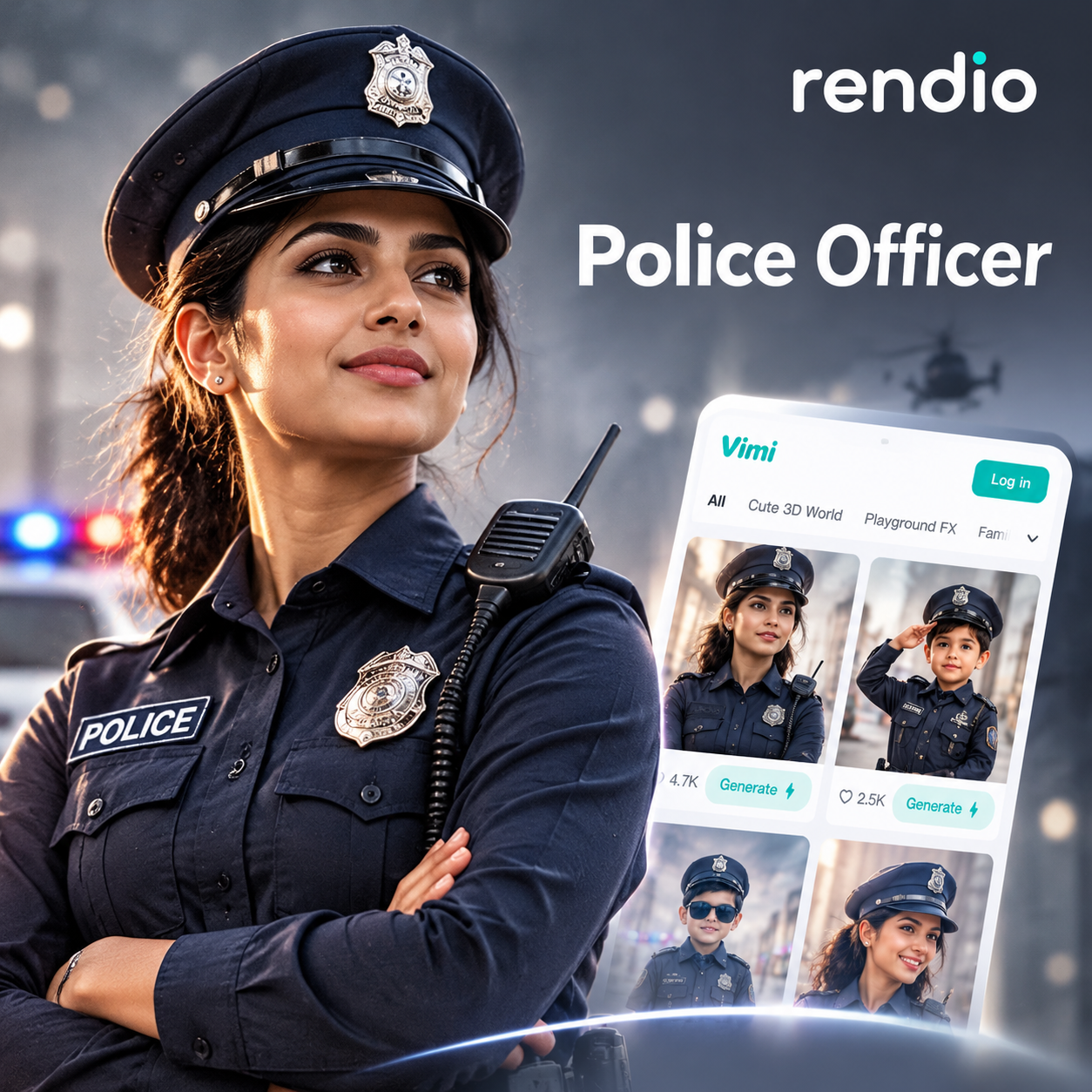
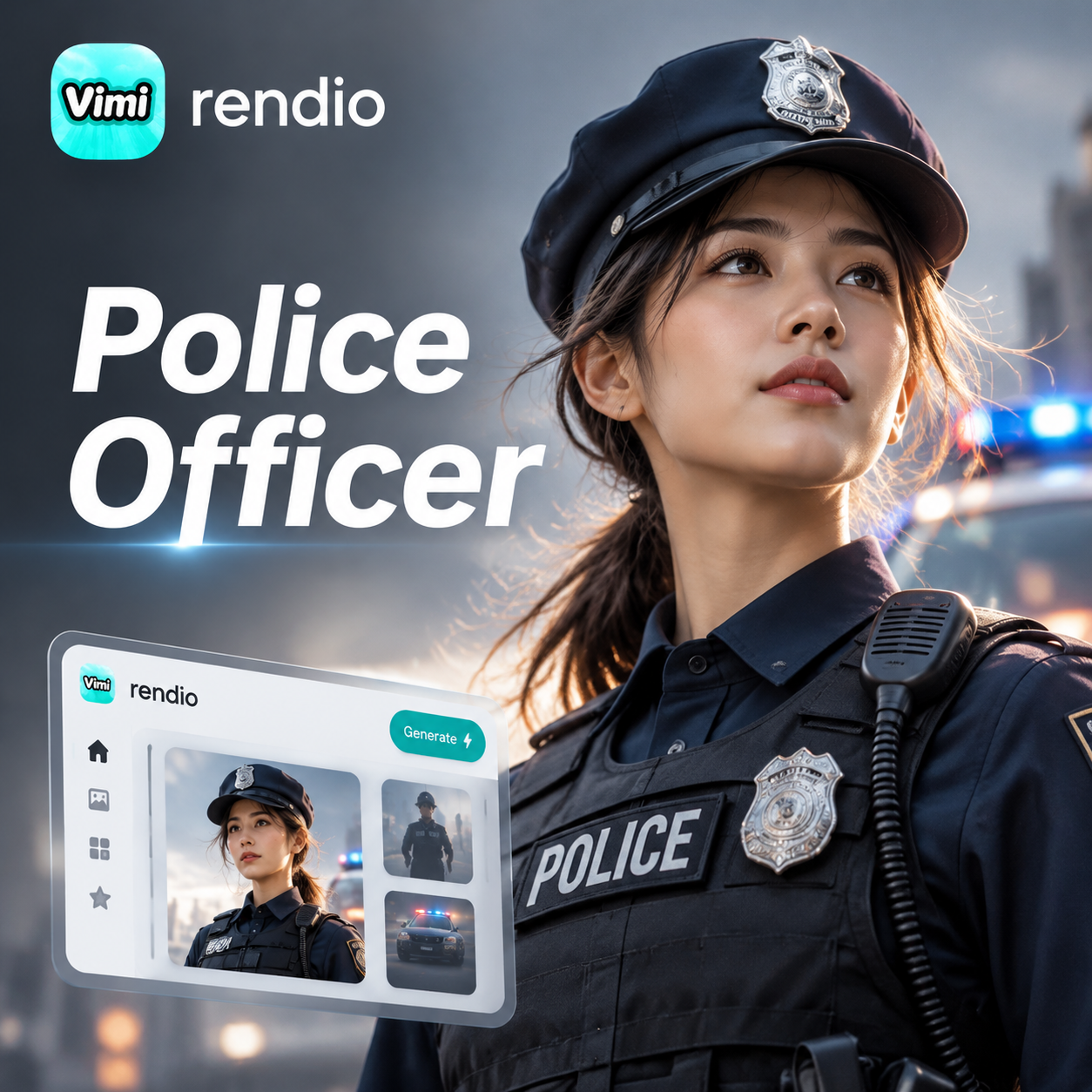
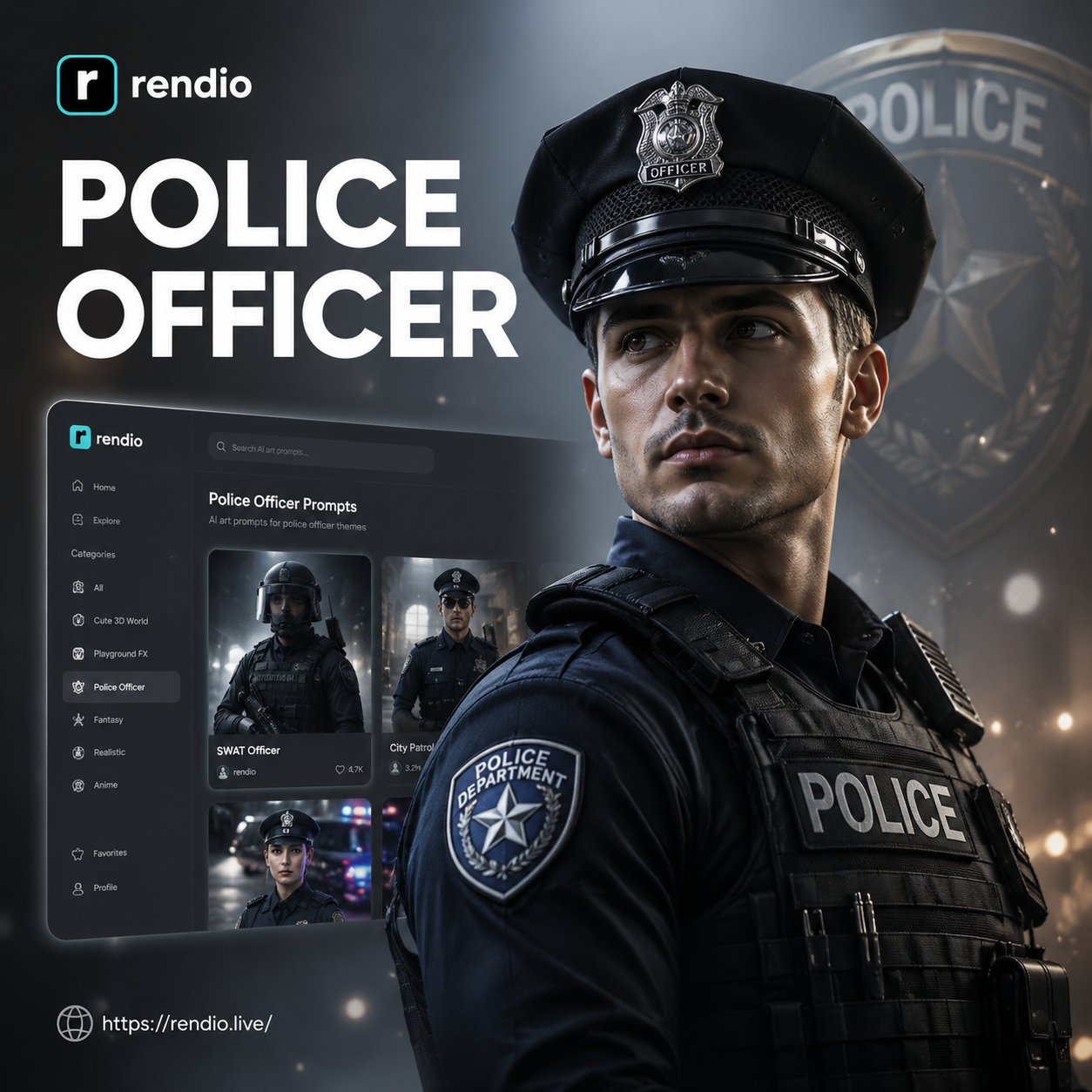
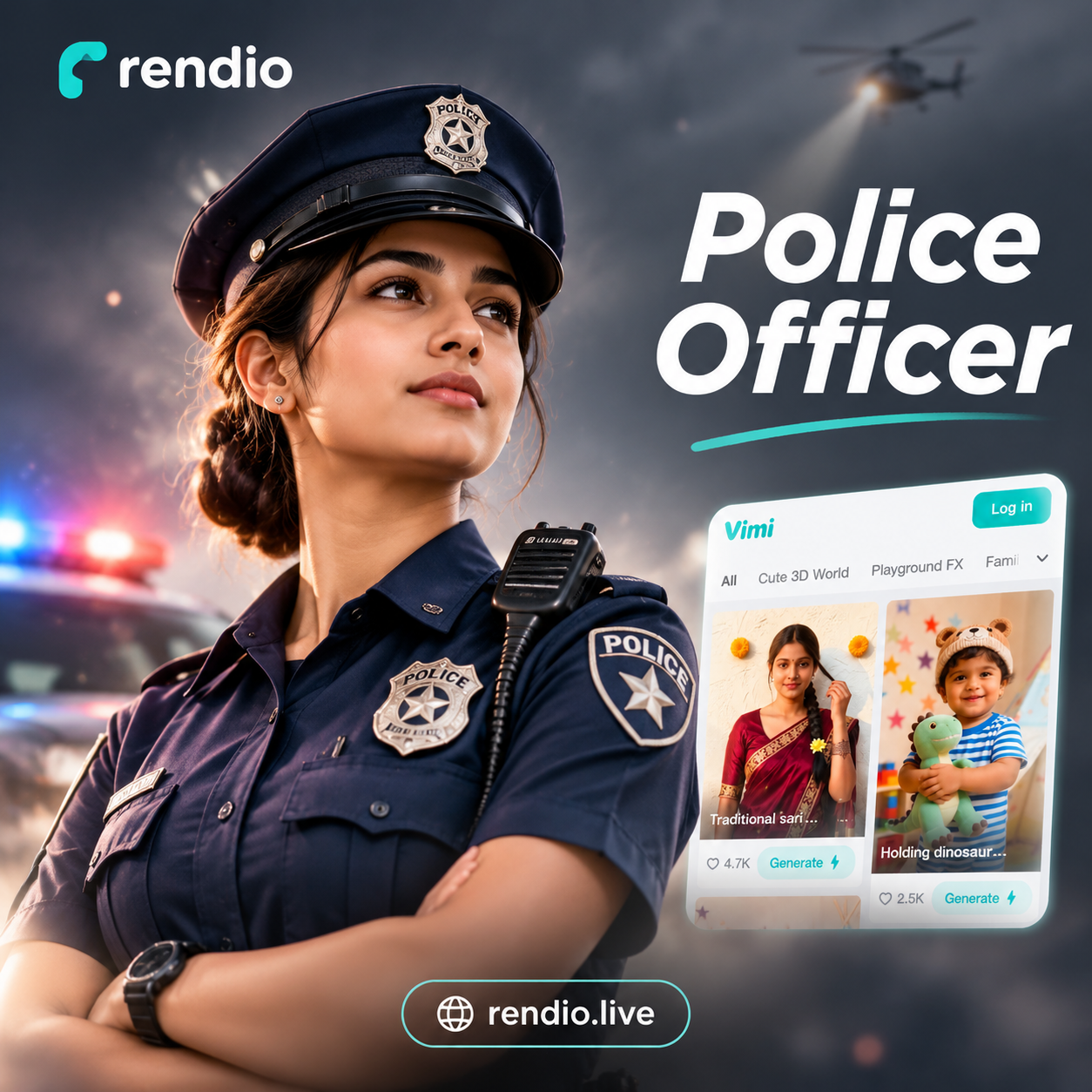
Explore Police Officer Photo Styles
Pick a filter that matches your vision, from photorealistic portraits to cinematic law enforcement scenes.
Create Police Officer Photos Without a Camera
Use AI to produce realistic law enforcement portraits with accurate uniforms, controlled lighting, and cinematic scenes. No photo shoot or editing software required.
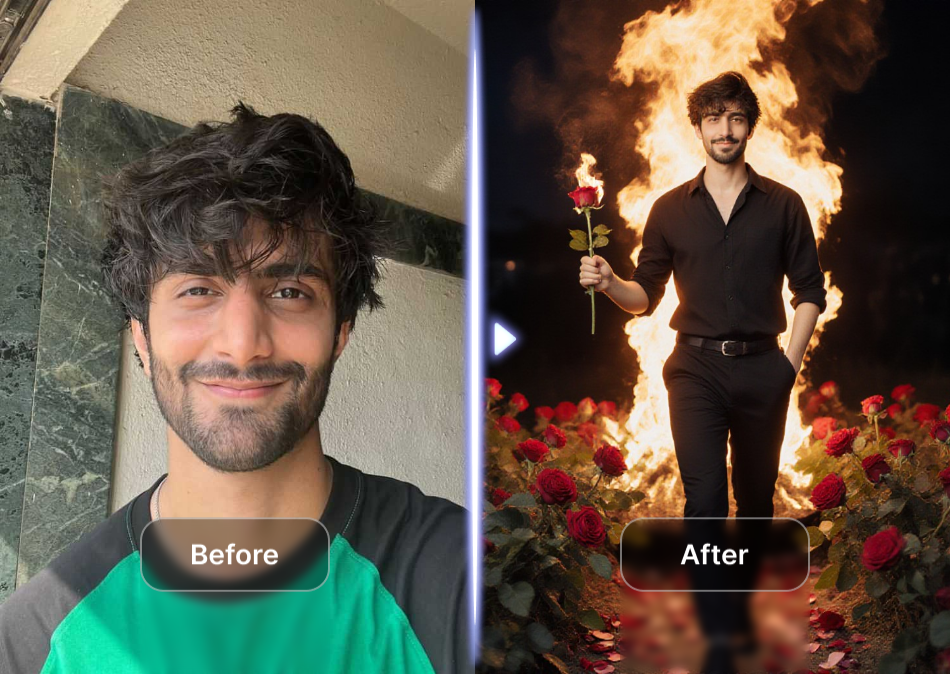
Photorealistic Uniforms
AI renders authentic police uniforms, badges, and tactical gear with crisp detail. Great for realistic portraits and cinematic scenes.
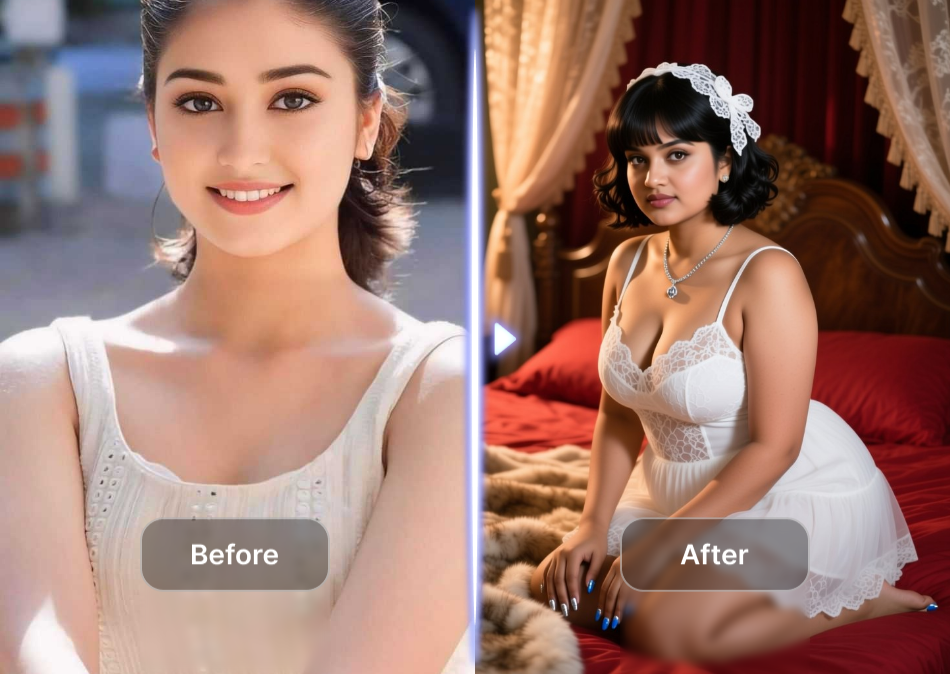
Face Preservation
Upload a selfie and keep your facial features while changing the uniform, background, and lighting. Perfect for custom officer portraits.
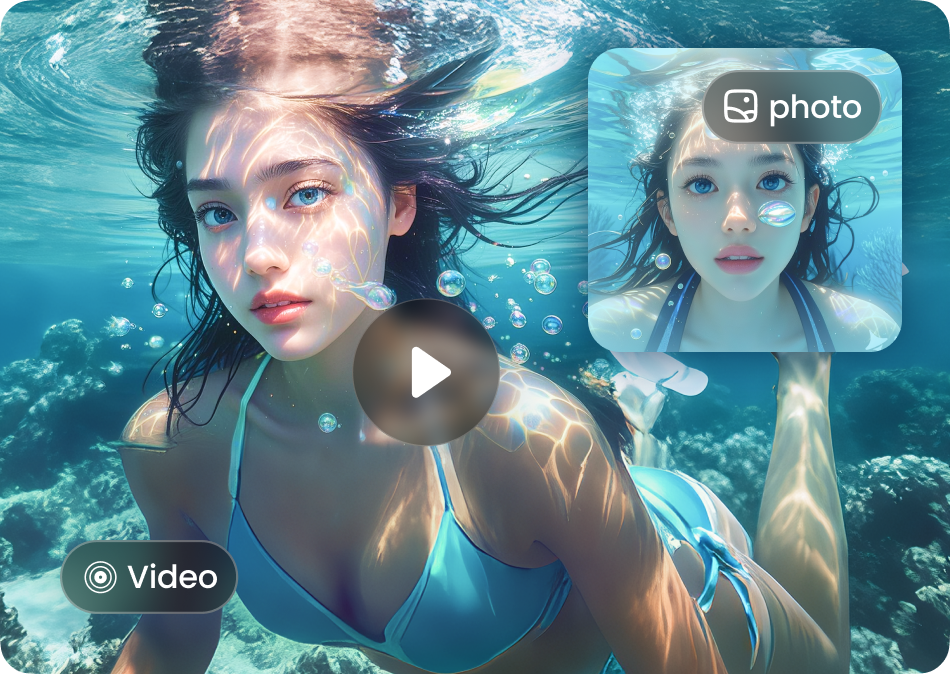
Cinematic Scene Control
Adjust lighting, weather, and location to create everything from bright daytime patrols to moody night scenes.
Police Officer Photo Ideas Generated by AI
Browse realistic and cinematic police officer images made with rendio. Use these examples as inspiration for your own prompts and style filters.
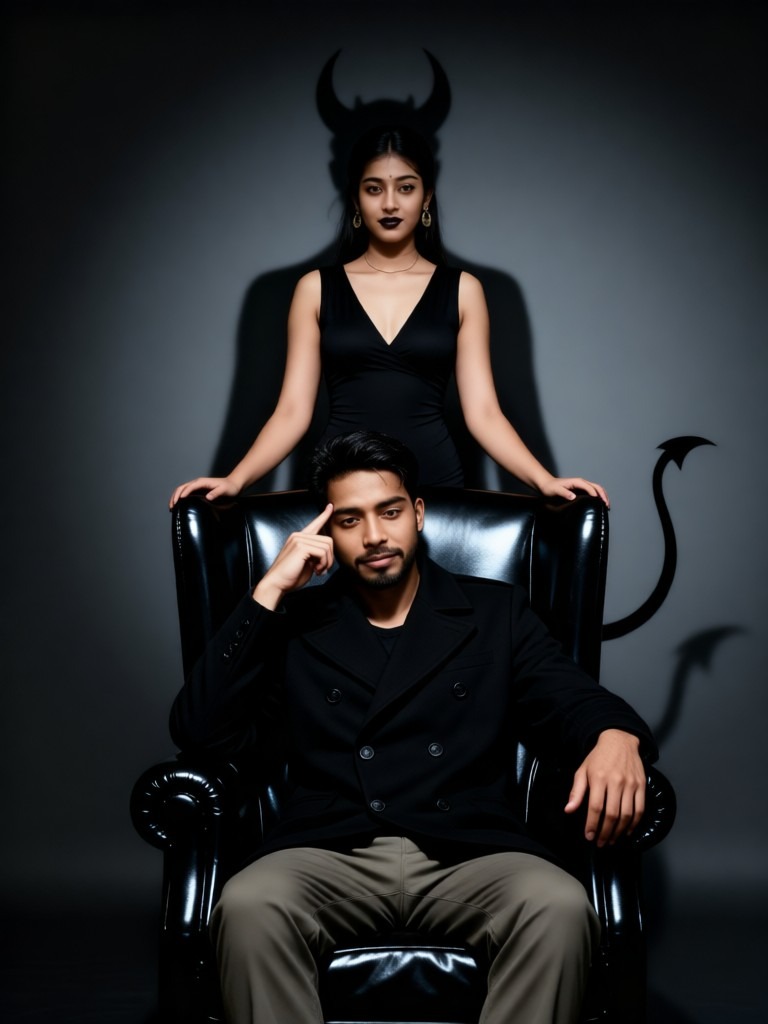
Why Use rendio for Police Officer Photo Prompts
Bring your creative ideas to life with realistic AI portraits that look professionally photographed.
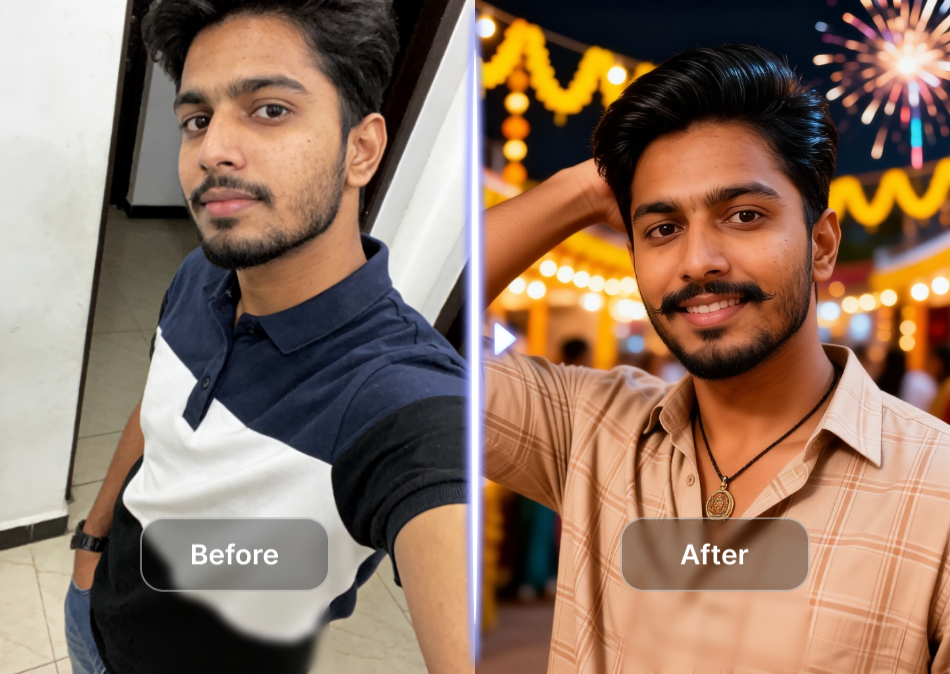
From Text to Photo in Seconds
No need for expensive photo shoots, costumes, or editing software. rendio turns a simple text prompt into a polished police officer image with accurate uniforms and cinematic lighting. You can upload your own photo to keep your identity or generate a brand new character from scratch. It is fast, private, and designed for creators who want realistic results without technical skills.
How to Use Police Officer Photo Prompts
Create a realistic police officer photo in three simple steps using the rendio app.
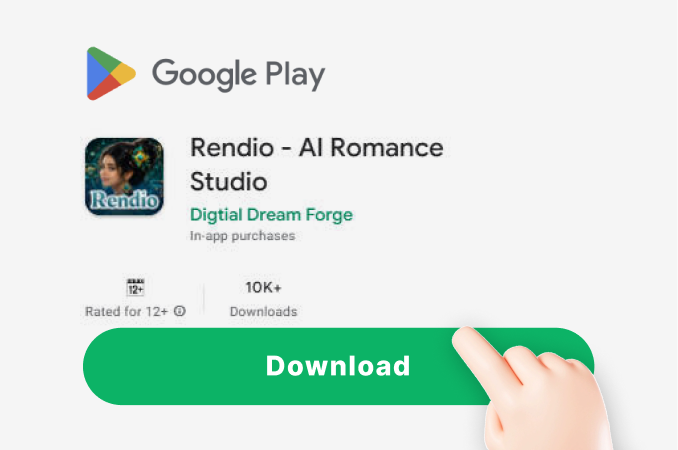
Step 01.
Download rendio from Google Play and open the app on your phone.
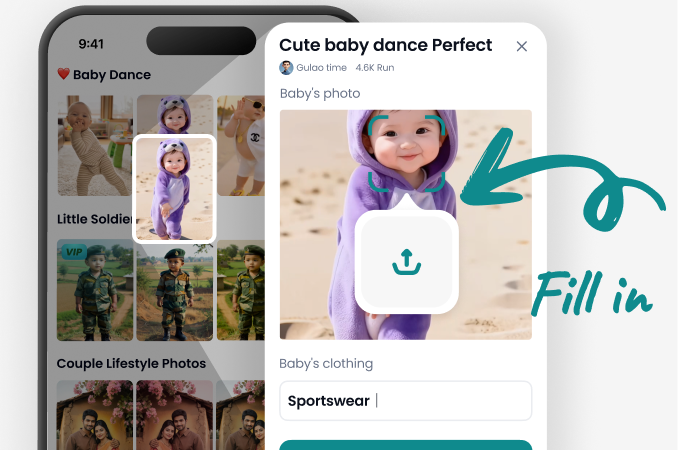
Step 02.
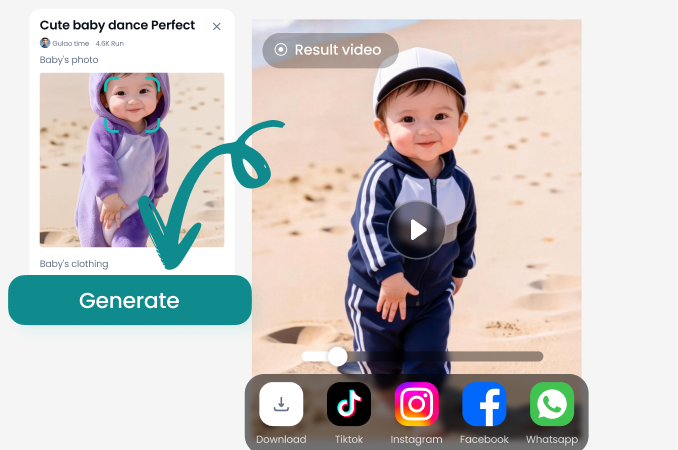
Choose a police officer photo prompt or upload a selfie and select a realistic style filter.
Step 03.
Generate your image, make any small adjustments, then save or share it directly to social media.
Create Police Officer Photos on Your Phone
rendio brings realistic law enforcement portraits to your mobile device. No camera, no costume, and no editing experience required.

What Creators Say About rendio Photo Prompts
Perfect for storyboard characters
I needed realistic police officer references for a short film. The prompts saved me hours and the uniform details looked surprisingly authentic.
Great for social media content
I used my own face with a police uniform prompt and the result was clean enough to post without heavy editing.
Easy even for beginners
I had no AI experience, but the ready made prompts made the whole process feel simple. The lighting and style options are impressive.
Frequently Asked Questions About Police Officer Photo Prompts
Find answers to common questions about creating police officer photos with AI prompts and the rendio app.
More Topics You May Like
Explore related AI photo prompts and style guides to keep your creative projects moving.
Polaroid Prompt: Create Retro Instant Photos with AI
Polaroid Prompt turns text into vintage instant photos. Pick a retro film style and get faded, dreamy Polaroid snaps in seconds. Try it in the rendio app.
Pink Aesthetic Prompt Ideas for Dreamy AI Art
Get pink aesthetic prompt ideas and turn words into dreamy pastel art. Upload a photo or type a prompt, choose a pink style filter, and create stunning images in the rendio app.
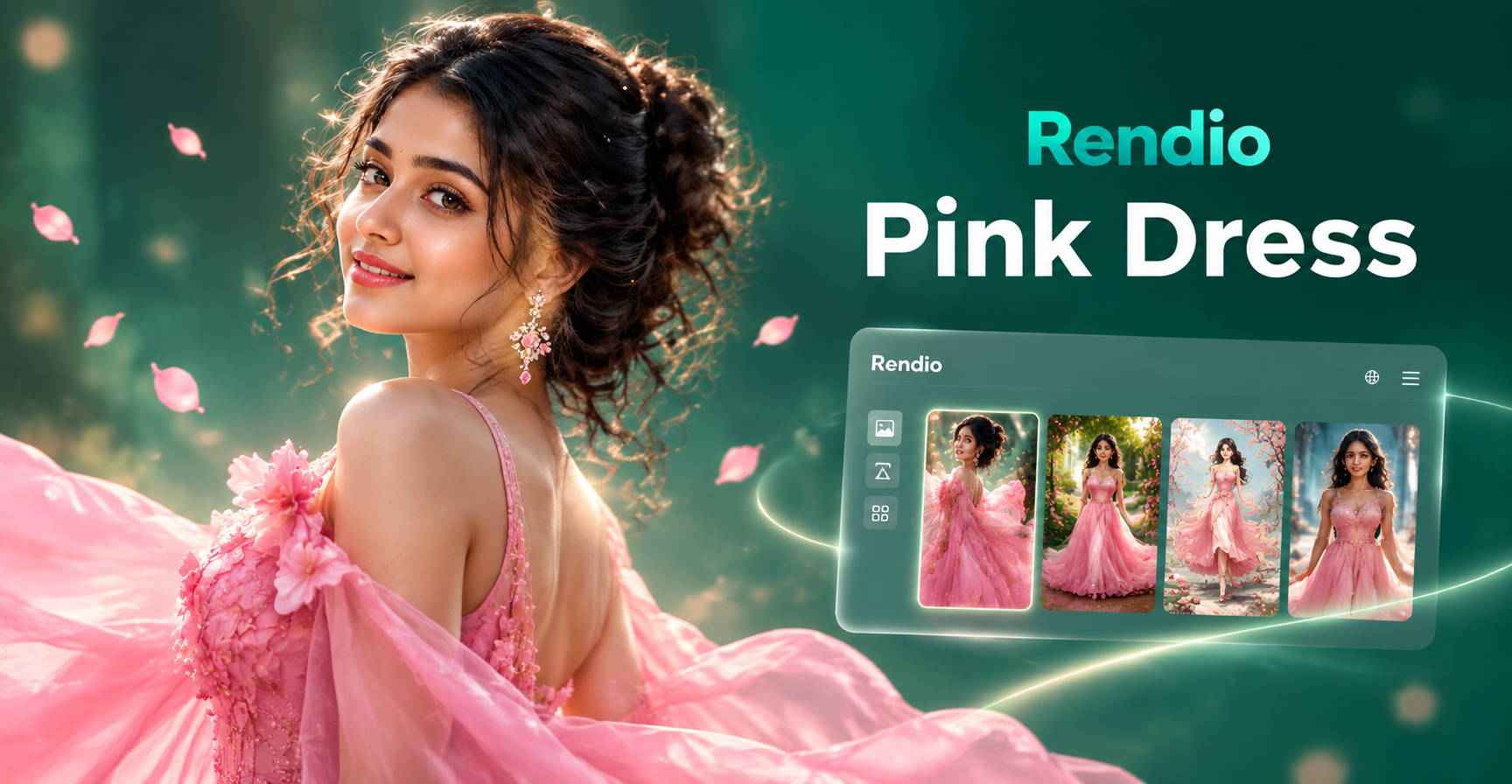
Pink Dress Prompt: Create Stunning AI Fashion Images
Discover pink dress prompts for AI fashion design. Upload a photo, enter a pink dress prompt, and generate realistic outfits, anime styles, and studio looks in seconds.
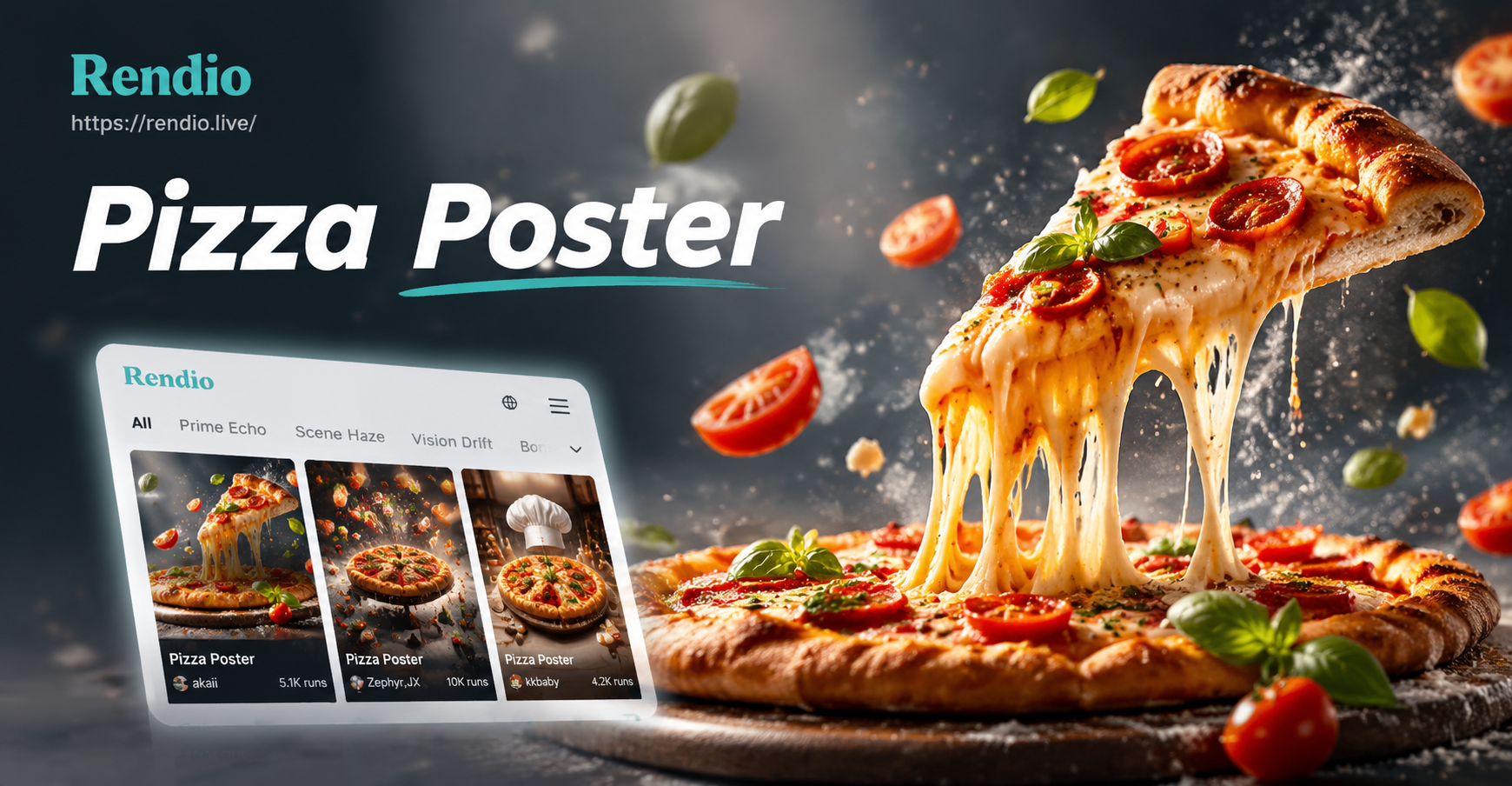
Pizza Poster Prompts That Make AI Design Easy
Explore pizza poster prompts that turn text into delicious AI designs. Create retro flyers, menu boards, and pizza ads in seconds with the rendio app. Download now.
Ready to Create Your Police Officer Photos?
Download rendio now and use ready made prompts to generate realistic officer portraits, tactical scenes, and cinematic images in seconds.
Ready to Create Your Police Officer Photos?
Download rendio now and use ready made prompts to generate realistic officer portraits, tactical scenes, and cinematic images in seconds.